
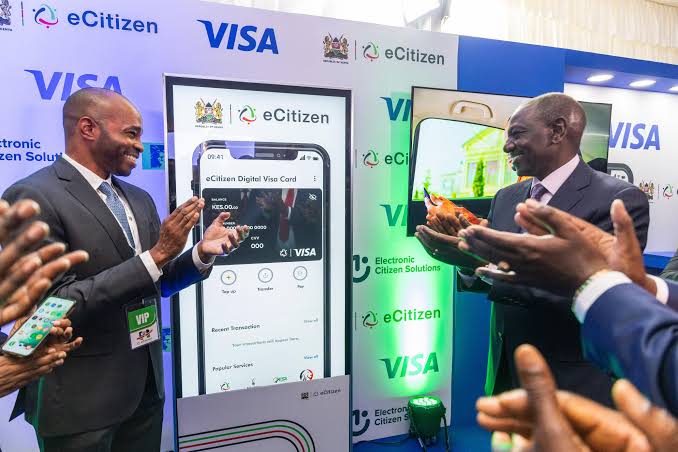
One of the strongest pushes in the Ruto administration has been digitization – bringing services closer to citizens and reducing the red tape that used to make basic applications a nightmare.
At the heart of this digital shift is eCitizen, Kenya’s one-stop portal for government services.
Whether you’re renewing a business license, applying for a passport, paying taxes, or now even accessing Retirement Benefits Authority (RBA) services, eCitizen is the place to start.
What is eCitizen
eCitizen is a unified online platform that houses thousands of services from government ministries, departments, and agencies.
Instead of moving from one office to another, Kenyans can now log in, apply, pay, and track services in real time.
It’s available 24/7, supports payments via M-Pesa, cards, and banks, and works on both mobile and desktop.
In simple terms, it’s a digital Huduma Centre in your pocket.
What’s New on eCitizen in 2025?
The platform keeps expanding as more state agencies migrate their services online.
One of the most recent additions is the Retirement Benefits Authority (RBA).
From February 2024, RBA integrated its key services into eCitizen, including:
- License renewals
- Levy remittances
- Penalty payments
- Access to complaints and whistleblowing channels
- Procurement opportunities
For anyone in Kenya’s pensions and retirement space – administrators, trustees, or employers – this is a big win.
It centralizes transactions and reduces the need for physical visits to RBA offices.
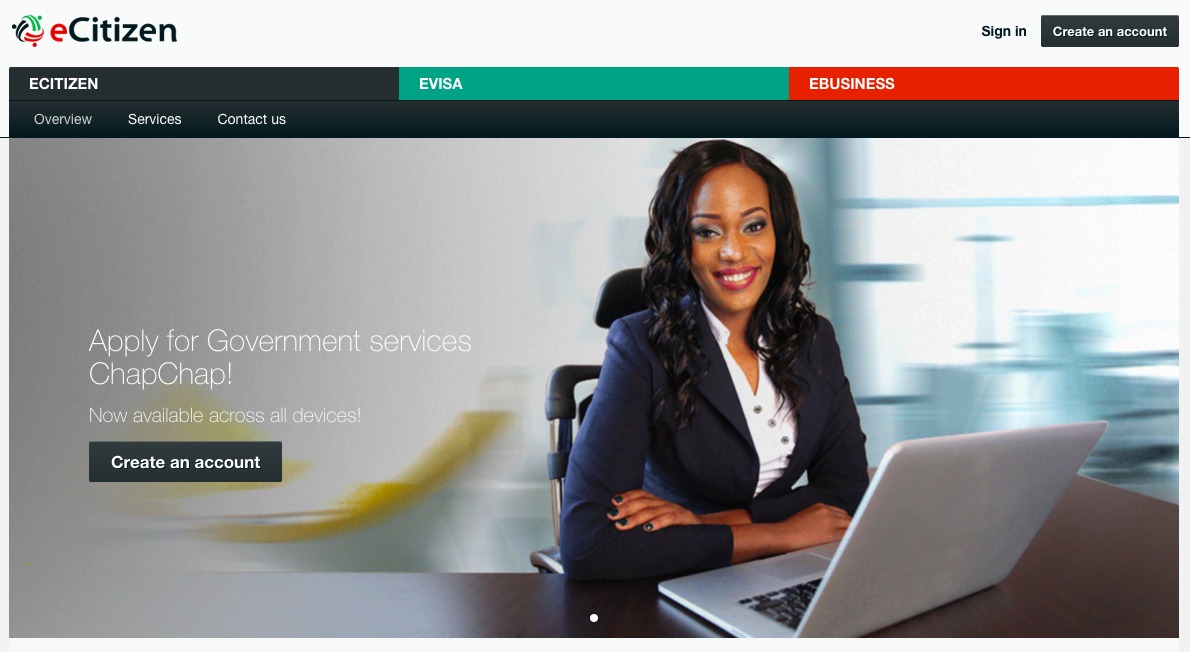
How to Use eCitizen: Step by Step
If you’ve never used eCitizen before, here’s how to get started:
1. Create an account or log in
Go to accounts.ecitizen.go.ke and sign in using your National ID number or email.
If you’re new, follow the prompts to register.
2. Select your service
From the dashboard, browse through ministries, departments, and agencies.
Click the service you want – be it a passport, business registration, or RBA payment.
3. Fill in the application form
Enter accurate details as required. Errors here may delay approval.
4. Upload supporting documents
Depending on the service, you may need to attach a scanned ID, photo, or business documents.
5. Make payment
Pay securely via M-Pesa, credit/debit card, or bank transfer. Always wait for confirmation before refreshing your page.
6. Track your progress
eCitizen allows you to monitor your application status in real time.
Some services may require in-person follow-ups, such as biometrics for passports.
Why Use eCitizen?
- Saves time and money – No more endless queues or traveling long distances.
- Transparent process – You can track applications and payments, cutting out unnecessary middlemen.
- Secure record keeping – Uploaded documents stay online, reducing the risk of lost files.
- Eco-friendly – The shift to digital cuts paper use and lowers administrative overhead.
In a Nutshell …..
The eCitizen platform has grown into a backbone of Kenya’s digital transformation journey.
By bringing more services under one roof – most recently the Retirement Benefits Authority (RBA) – the government is cutting bureaucracy and making service delivery more citizen-friendly.
As we move deeper into the digital era, Kenyans can expect even more services to migrate to eCitizen, ensuring that essential interactions with government remain simple, transparent, and accessible to all.